
Two products
How do LearnMusic and Opelo fit together?
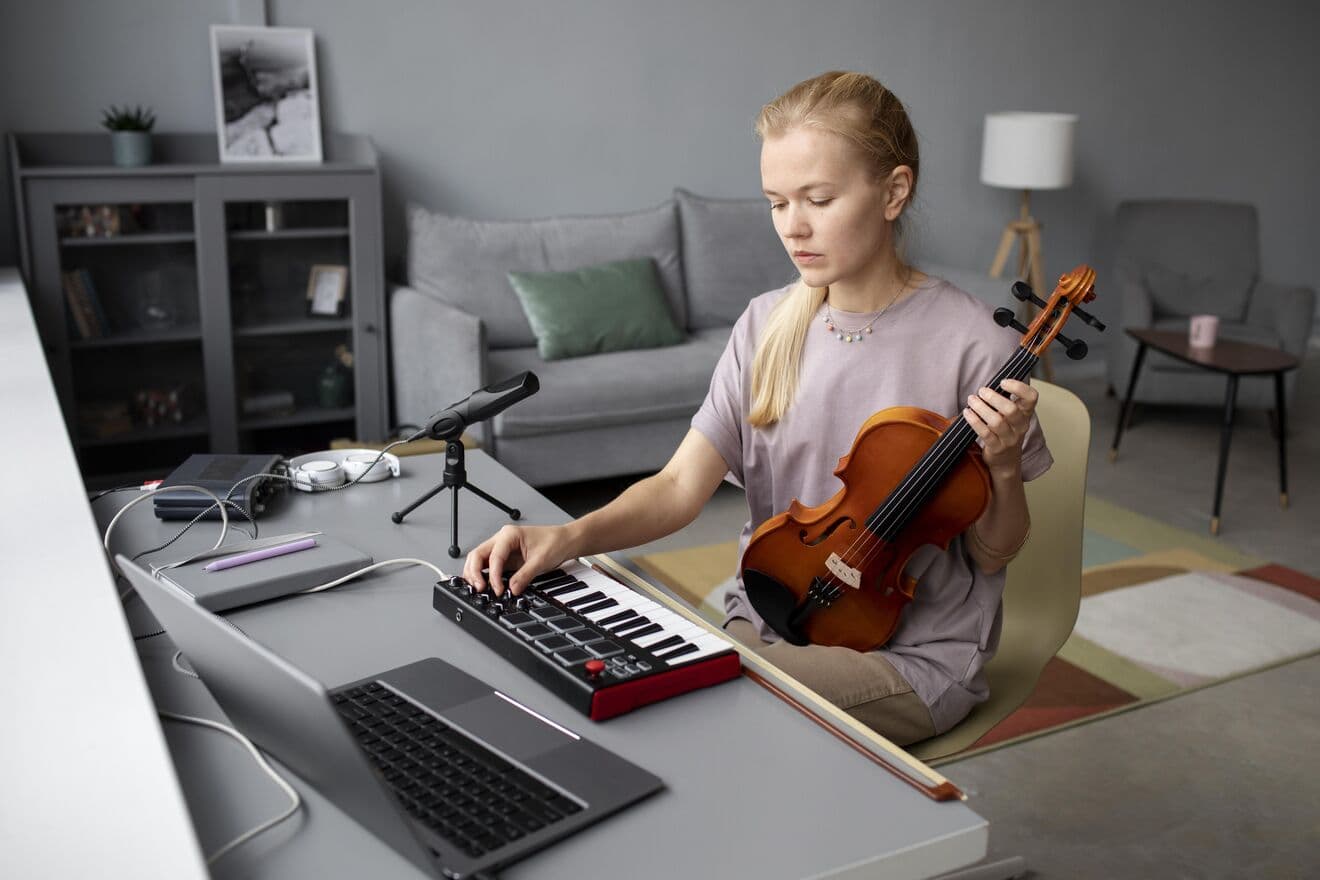
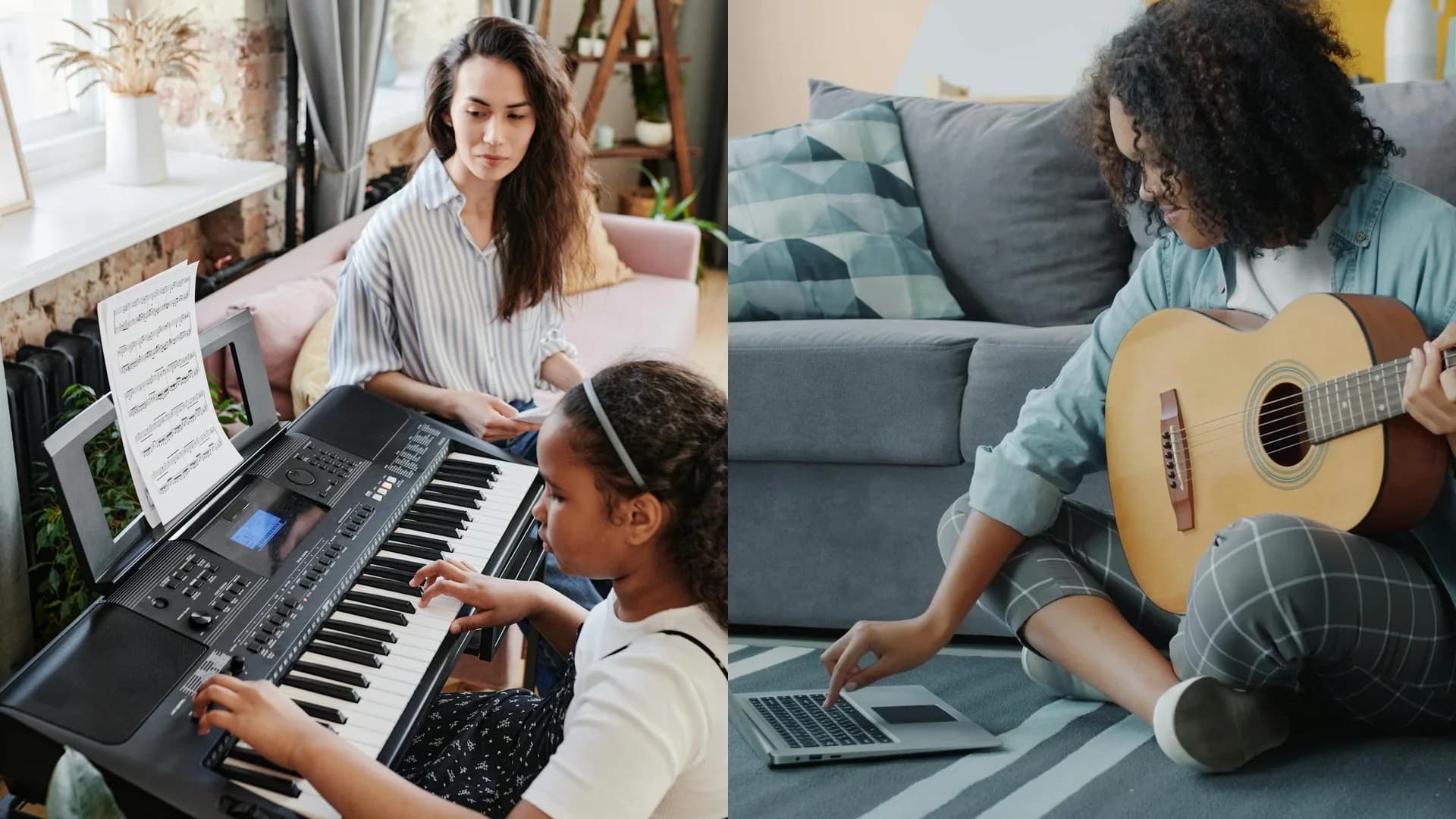
LearnMusic is two products: the marketplace, where you find and book your teacher, and Opelo, the separate practice companion for the time between lessons. Pick the one that matches what you need right now.
The marketplace — when you want a teacher
Browse profiles, compare trust facts and lesson modes, then book through the active flow on each profile.
- Compare instrument, lesson mode, location, and price.
- See available trust information before you book.
- Keep messages, lessons, and follow-up in one place.

Opelo — when you want guided practice
Opelo is the separate practice product for training between lessons. It can support marketplace lessons, but it is not the booking platform.
- Practise with live feedback between lessons.
- Track progress and streaks in one place.
- Optionally sync progress back to a connected teacher.
Marketplace flow
How do I book a music lesson on LearnMusic?
Booking takes four steps: shortlist teachers, check fit and trust, message or book, then keep learning with the same teacher. You see the exact price on each profile before you book — no hidden fees.
- 01
Shortlist teachers
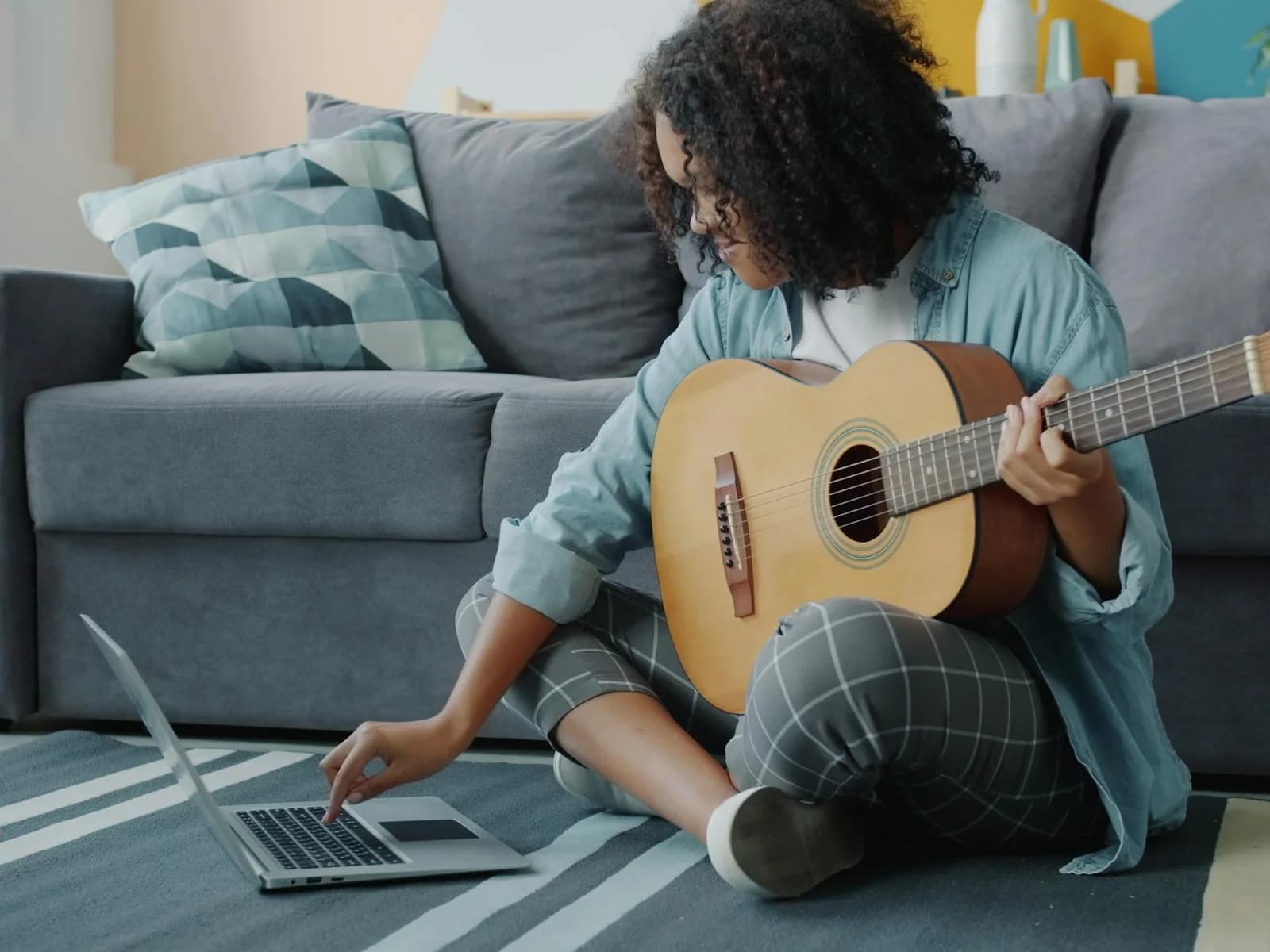
Filter by instrument, lesson mode, location, and price until you have a shortlist worth opening.
- 02
Check fit and trust
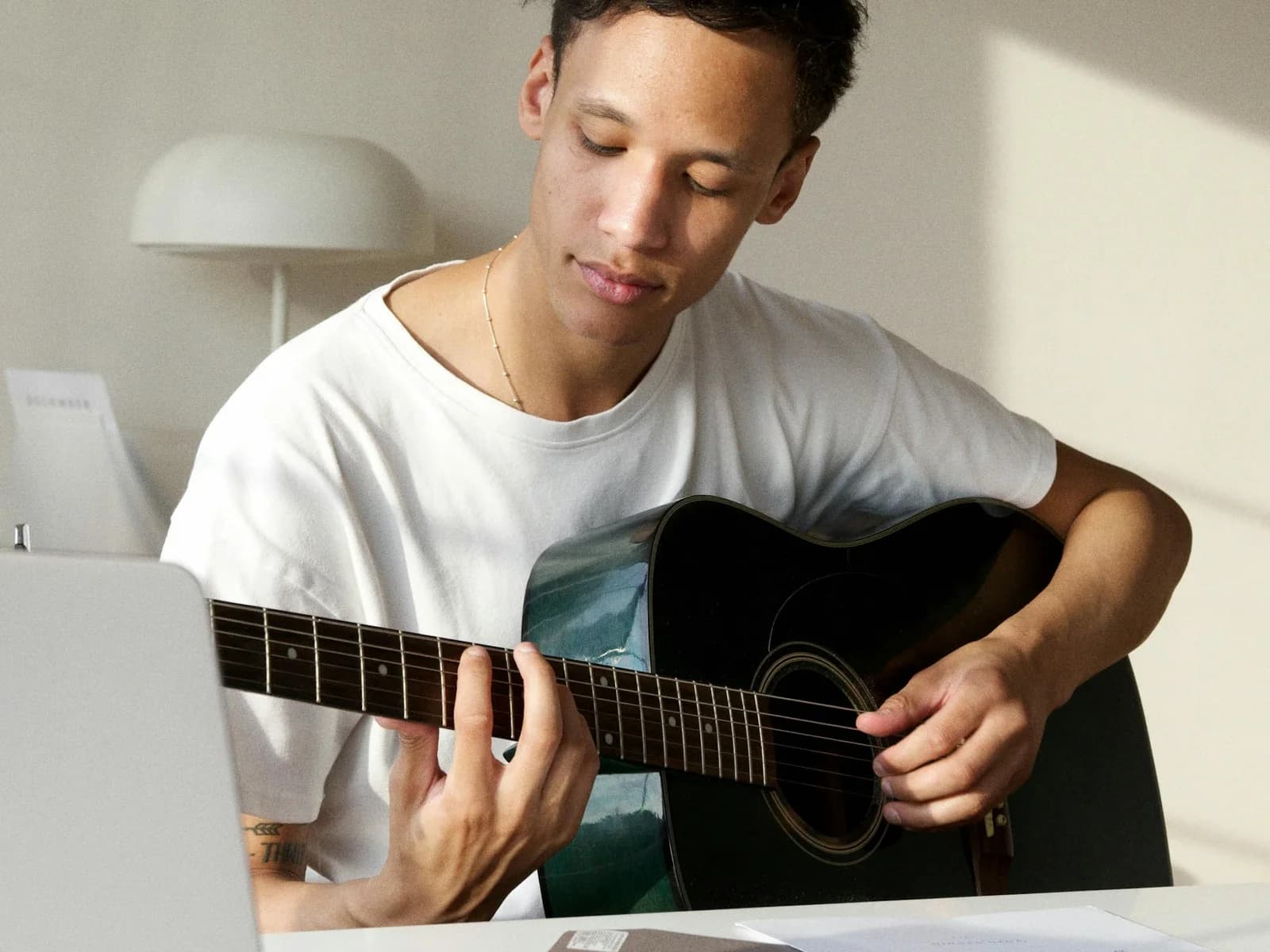
Review the teacher profile, lesson mode, price, reviews, and available trust facts before you commit.
- 03
Message or book
Ask a question first if you need to, then choose a slot and follow the active booking flow.

- 04
Learn and continue
Take the lesson online or in person, then rebook, review, and keep your lesson history in one place.
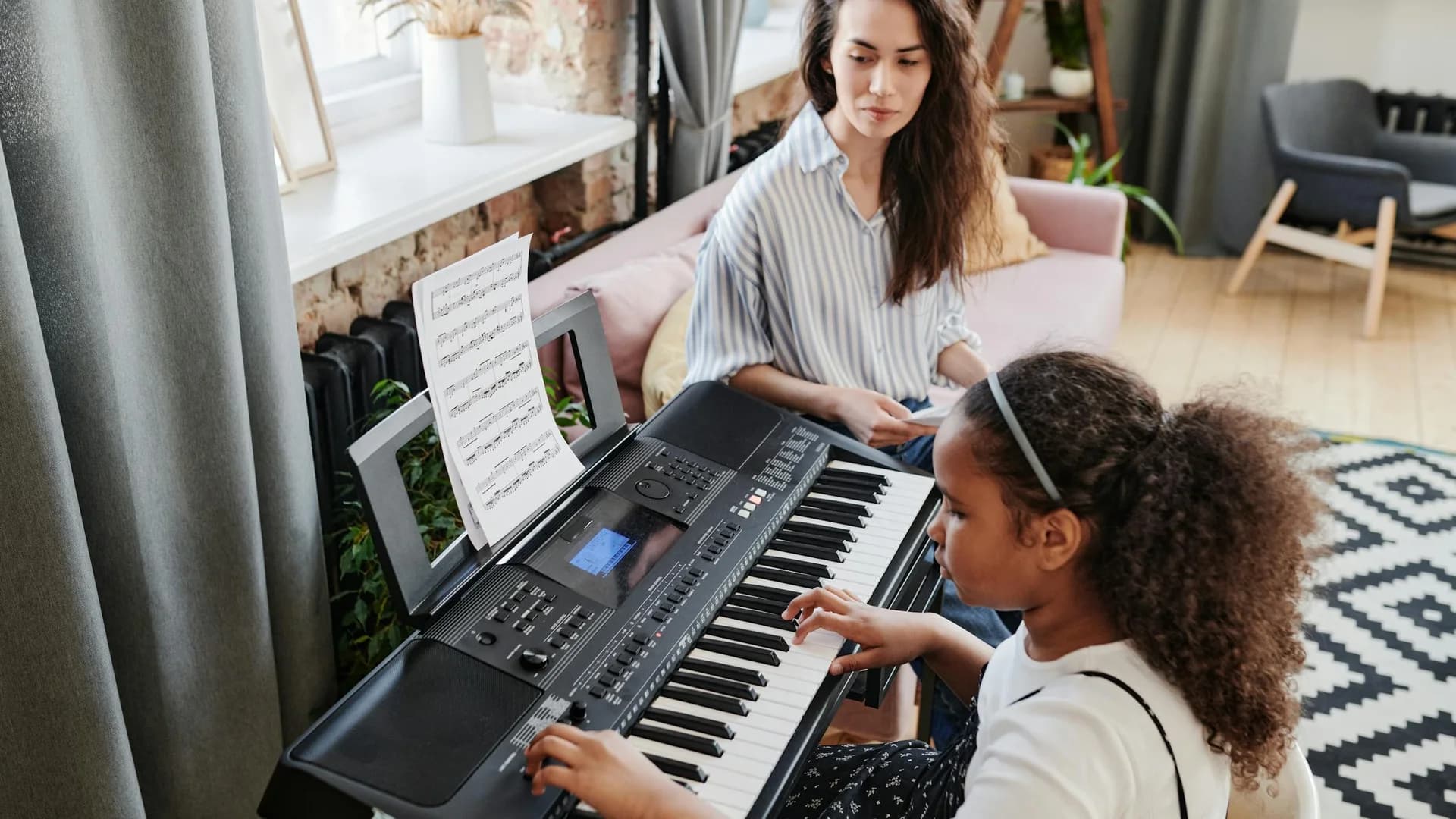
Opelo flow
What happens between lessons?
Opelo keeps practice on track in three steps: set a goal, practise with live feedback, then track your progress in one place. It is a separate product from lesson booking, built to reinforce your teacher's work — not replace it.
Lesson note
The teacher sets the real task.
Practice task
Opelo keeps the next step visible.
Feedback
Timing and accuracy get easier to review.
Next lesson
Progress returns with context.
Set a goal
Start with the piece, exercise, or technique you are actually working on.
Works with or without a marketplace teacher
Practice with AI guidance
Use Opelo between lessons for guided practice and live feedback while you train.
Separate app and web experience
Track progress and share
Keep your streaks and progress in one place, with optional teacher sync when connected.
Designed to reinforce, not replace, teaching